
Keep your camera roll under control in 60 seconds a day.
Review a small set of photos each day. Keep what you want, delete what you don’t, and gradually clean up your library.
Coming soon on the App Store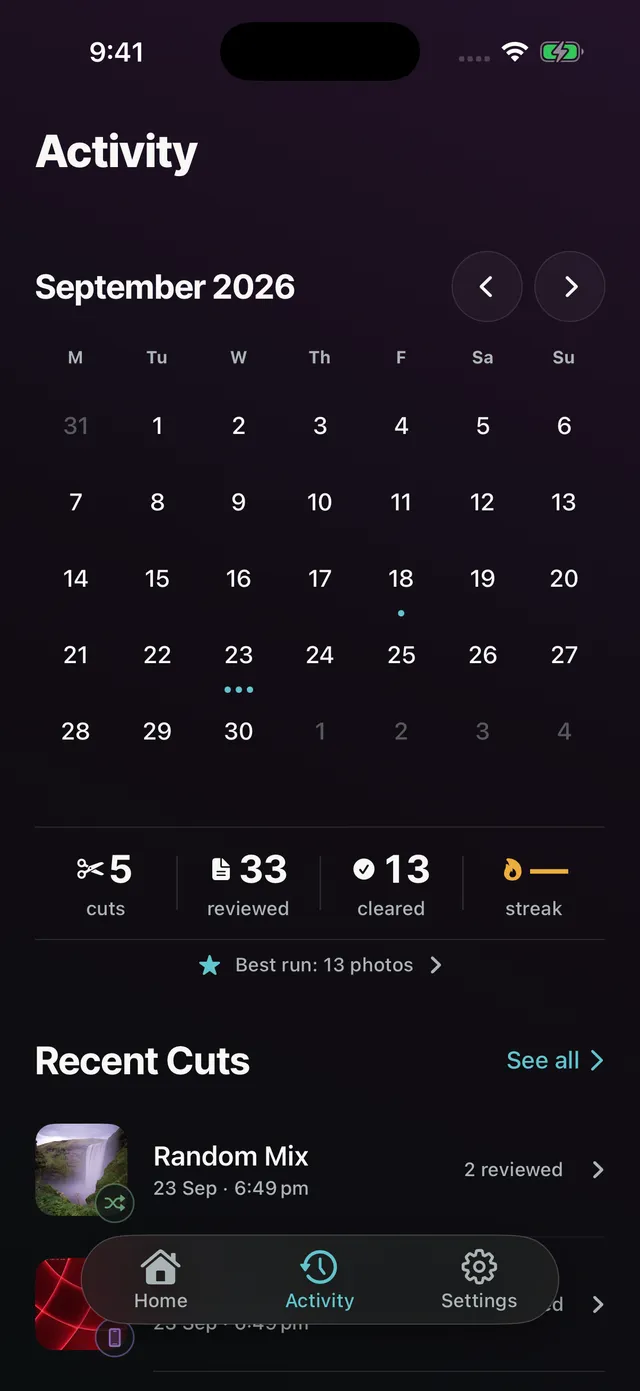
A simpler way to clean up your photos.
1. Review a small set each day
Daily Cut gives you a manageable batch of photos to go through.
2. Keep or delete
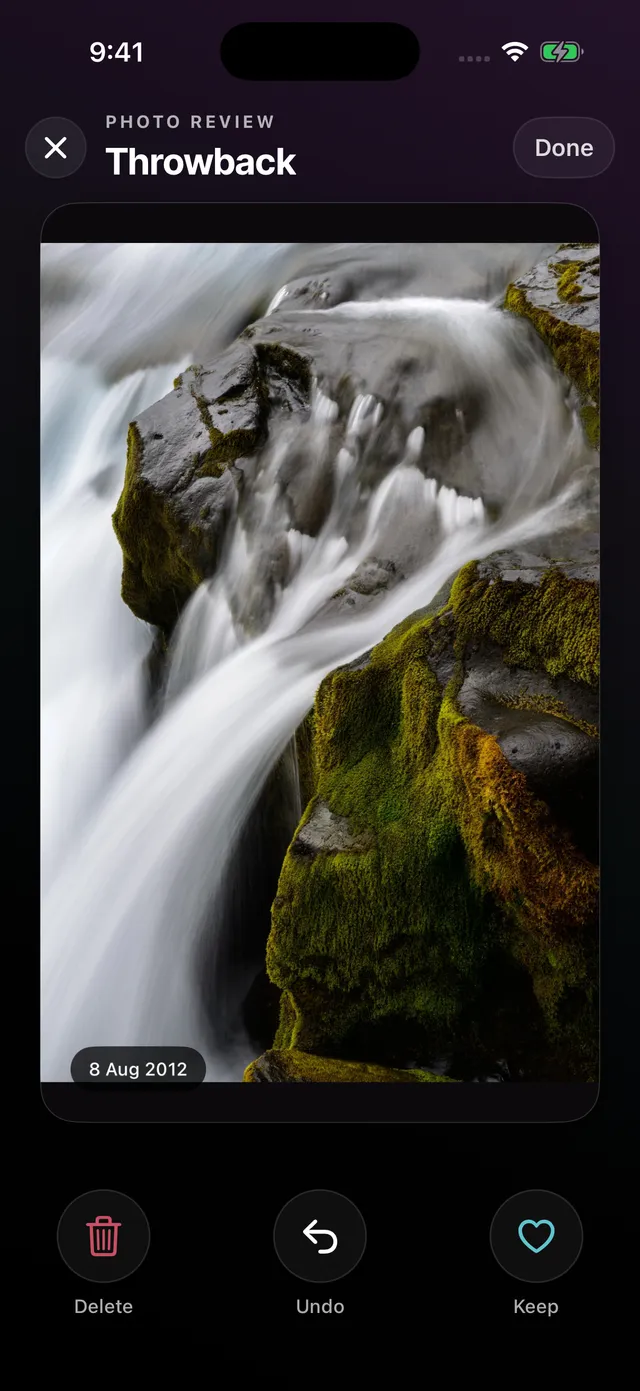
Swipe through each photo and decide what stays.
3. Make progress over time
See your activity and review progress.
Review your photos
Swipe through one photo at a time.
See your activity
Look back at your recent cuts and progress.
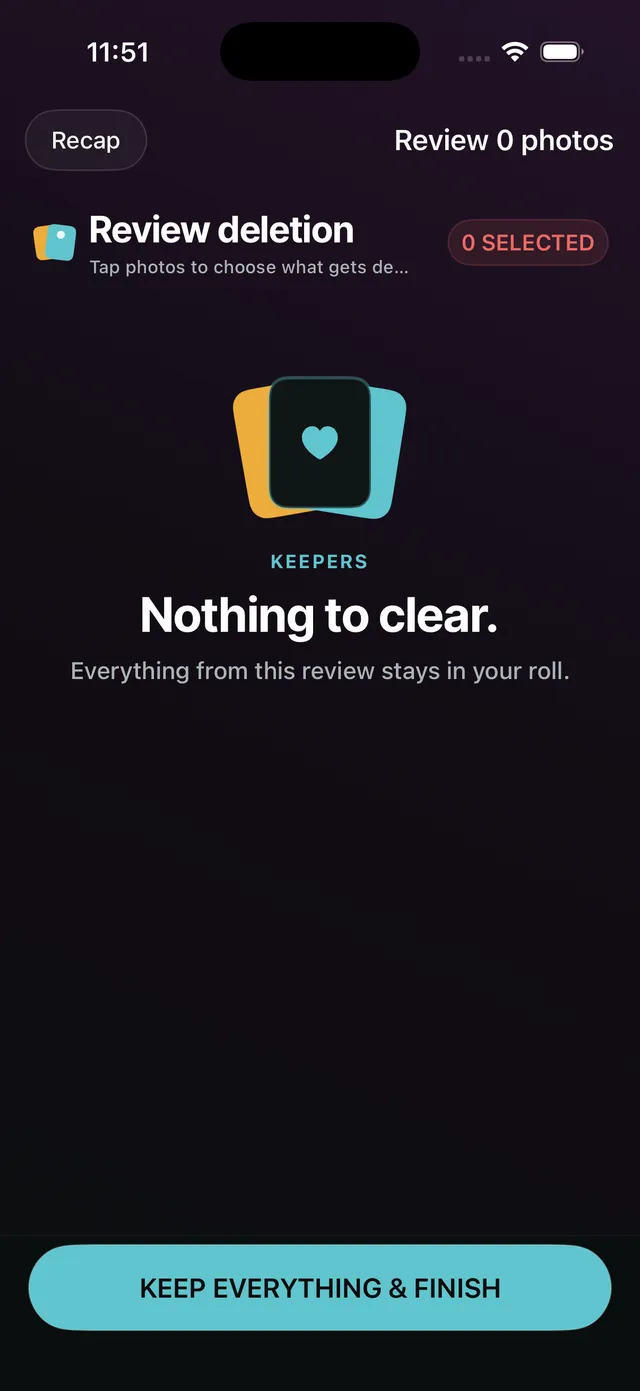
Review before deleting
Nothing is removed until you confirm it.
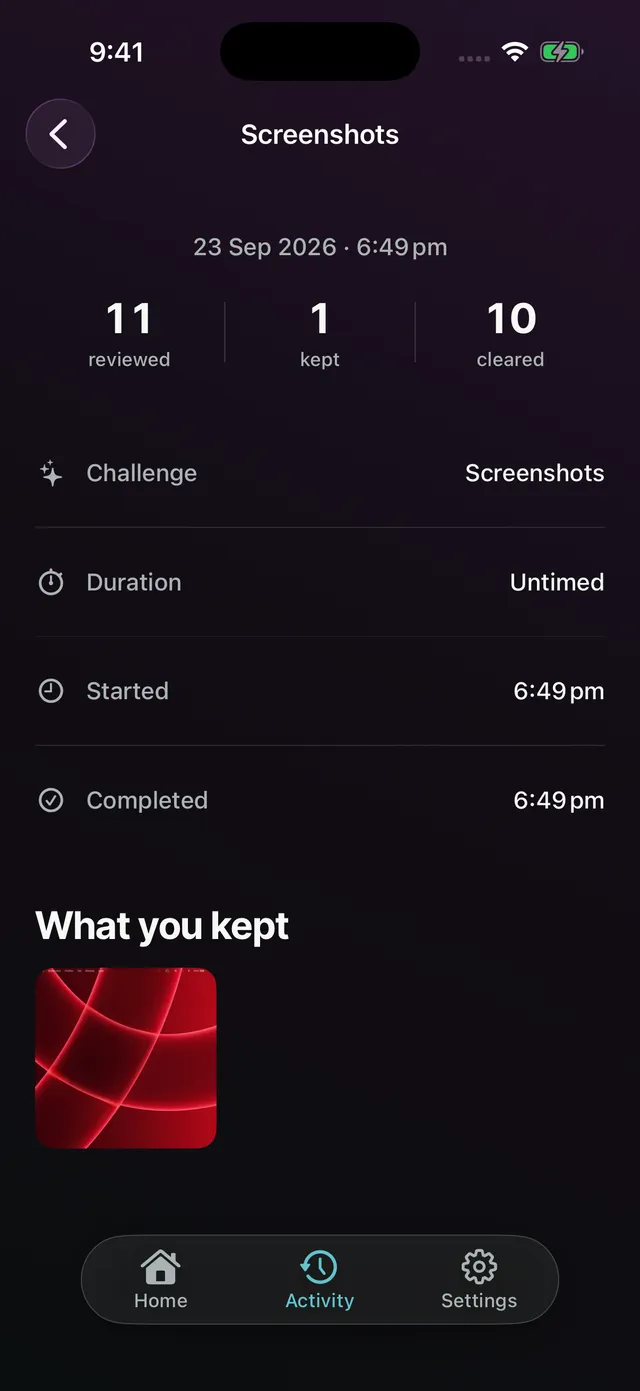
Review past cuts
See what you reviewed and when.